
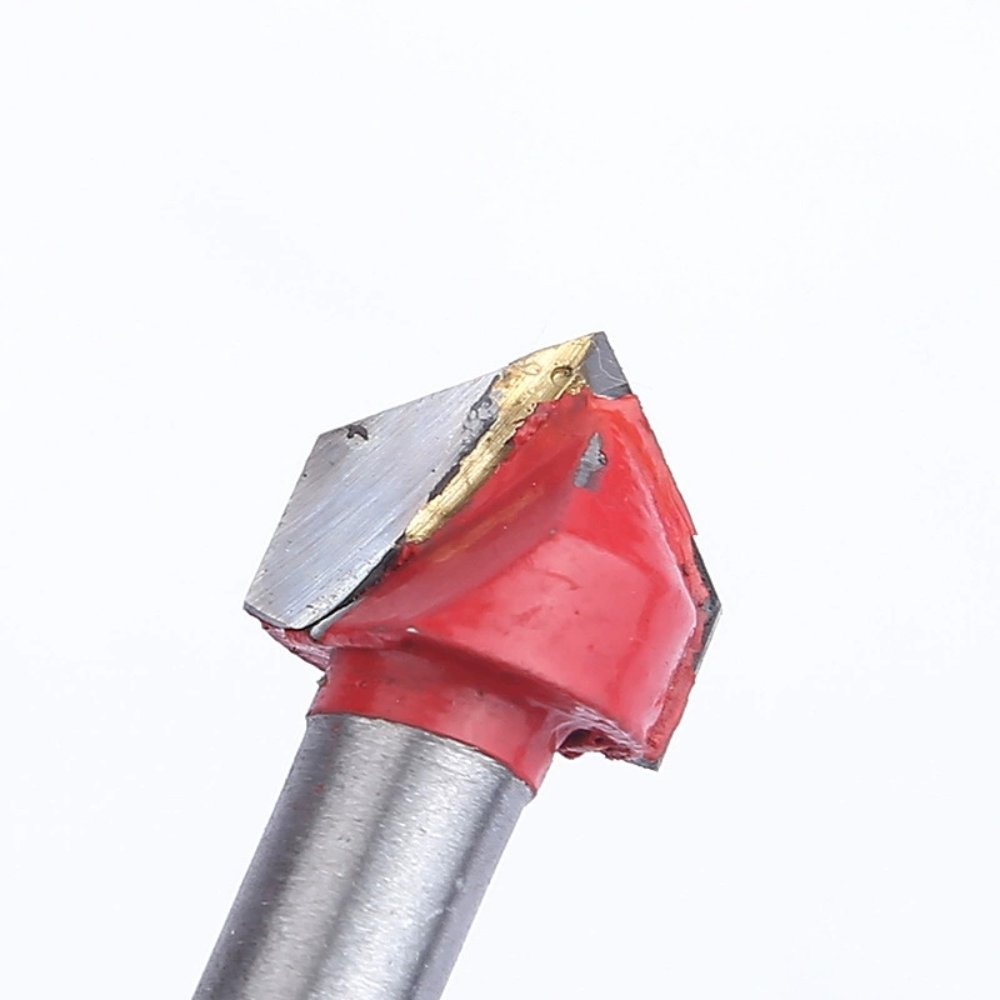
V-Groove Bit RFQs: Separate the Dimension Fields
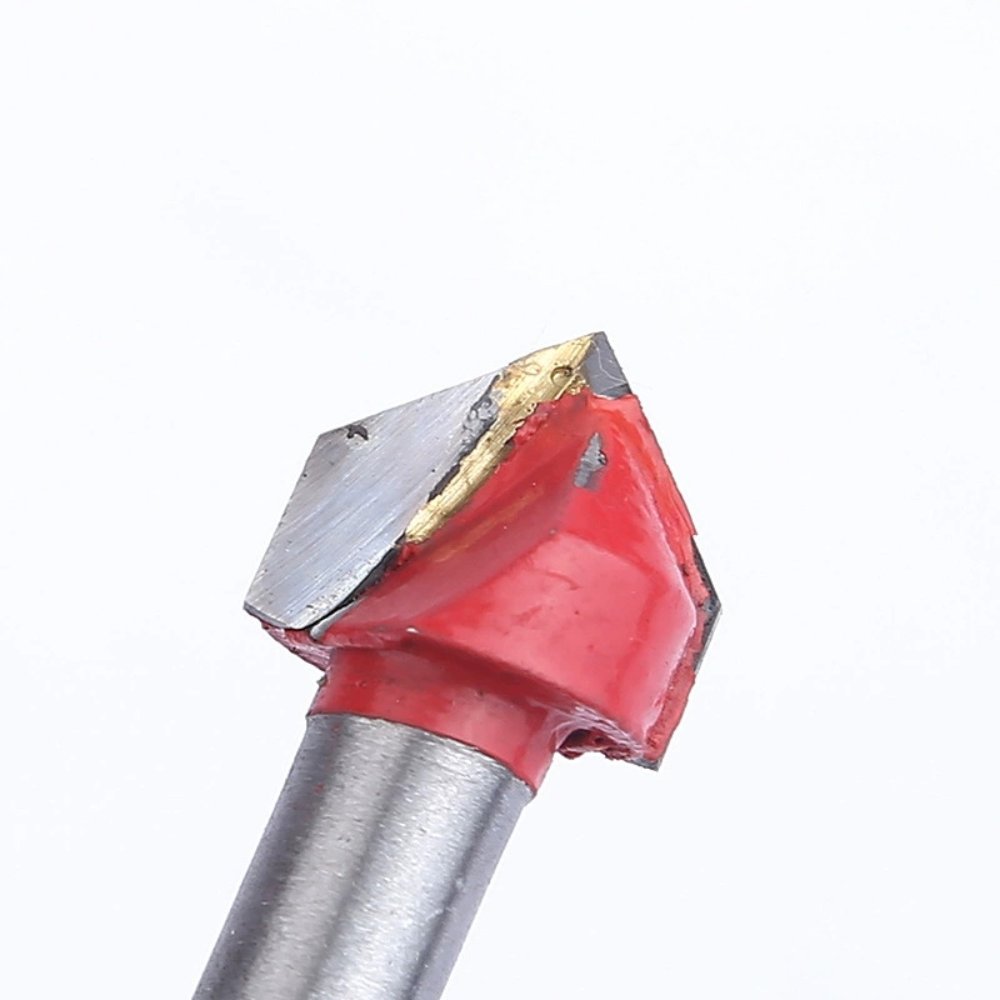
A V-groove router bit RFQ should separate shank dimensions, cutting-profile dimensions and overall tool dimensions. Link each requested value to a labeled drawing and ask the supplier to decode the model reference. Do not treat a compressed catalogue code or an adjacent dimension field as proof of the geometry offered for a particular variant.
A short model string can combine several numbers without showing what each number represents. If purchasing copies it directly into an order, two parties may attach different meanings to the same shorthand. This guide helps importers structure a wholesale woodworking router bits enquiry around confirmed fields rather than assumptions about a catalogue code.
Identify the offered reference before decoding numbers
Success Drill lists Woodworking V-Groove Router Bits with several model strings. Copy the selected string exactly into the enquiry and include the product URL. Ask the supplier to provide an unambiguous item identifier for the offered variant, so a later quotation can be matched back to the original request.
Keep the catalogue wording and the buyer’s requested specification in separate columns. The listing is a starting reference, while the supplier’s confirmation defines what is offered. If the buyer wants a different configuration, identify that request explicitly instead of editing a model string and assuming the altered text describes an available item.
- Exact source reference and supplier item code
- Separate shank fields with explicit units
- Labeled cutting-profile drawing
- Overall dimensions and drawing revision
Give the shank its own specification fields
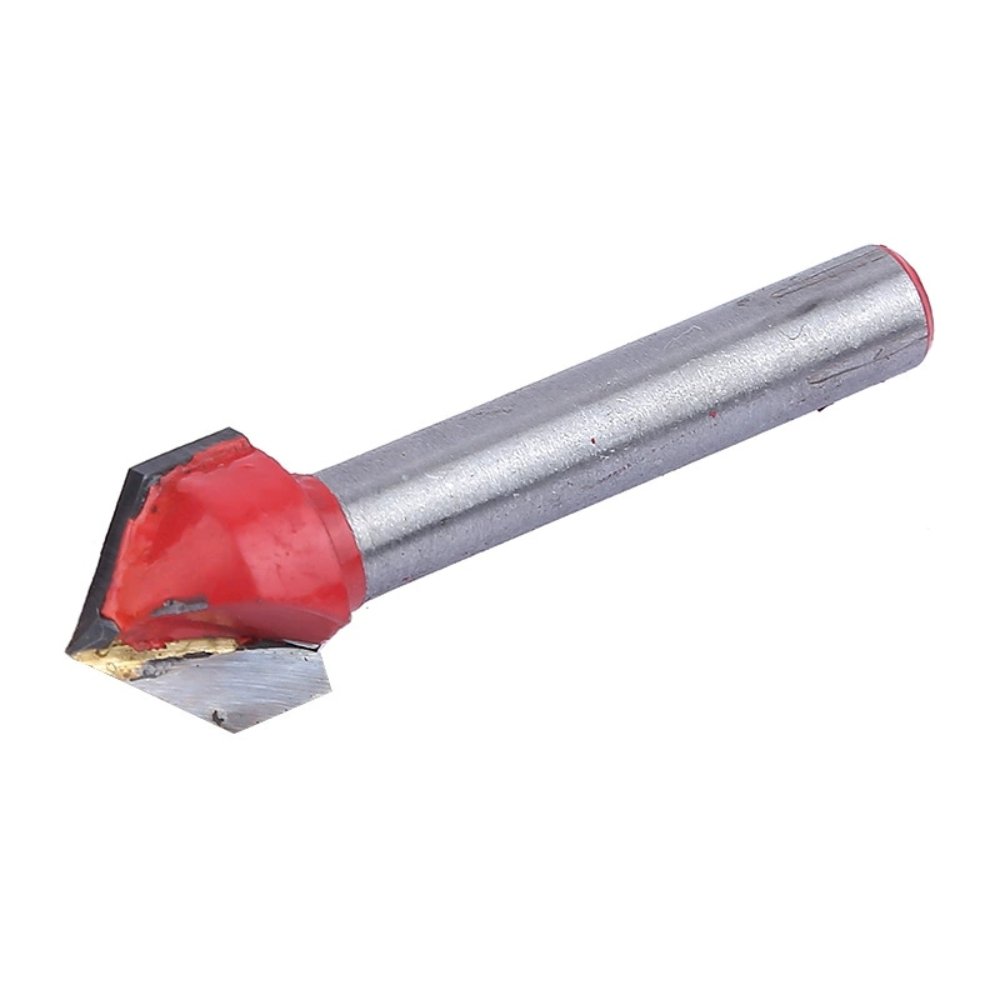
Ask for the shank diameter with its unit and a drawing that identifies the relevant section. Keep any required shank length in a separate field. A number beside another dimension in a model code should not be assigned to the shank simply because that interpretation seems familiar to the buyer.
Provide the equipment or holder requirement to the supplier where compatibility needs to be discussed, and request confirmation for the proposed tool. Do not translate between dimension systems by approximation within the purchase order. The commercial record should state the actual offered dimension and unit, with any compatibility question resolved independently.
| Field group | Ask for | Avoid inferring |
|---|---|---|
| Shank | Confirmed dimensions and units | Meaning from an unseparated number string |
| Cutting profile | Variant-specific labeled drawing | Geometry from a broad catalogue table field |
| Complete tool | Overall dimensions and item revision | Equivalent specification from similar appearance |
Describe the cutting profile on a labeled drawing
Request the drawing that corresponds to the specific V-groove item under quotation. Ask the supplier to label the dimensions that define the cutting profile and explain their measurement references. Keep the profile requirement distinct from the shank and overall length; each describes a different part of the tool.
If a catalogue field appears to describe another profile type, ask how it applies to the selected item rather than transferring it into the order. This is particularly useful when a product table uses broad field names. The buyer needs confirmation of the offered geometry, not an inferred profile assembled from neighboring labels.
Use a comparison sheet with confirmed and open fields
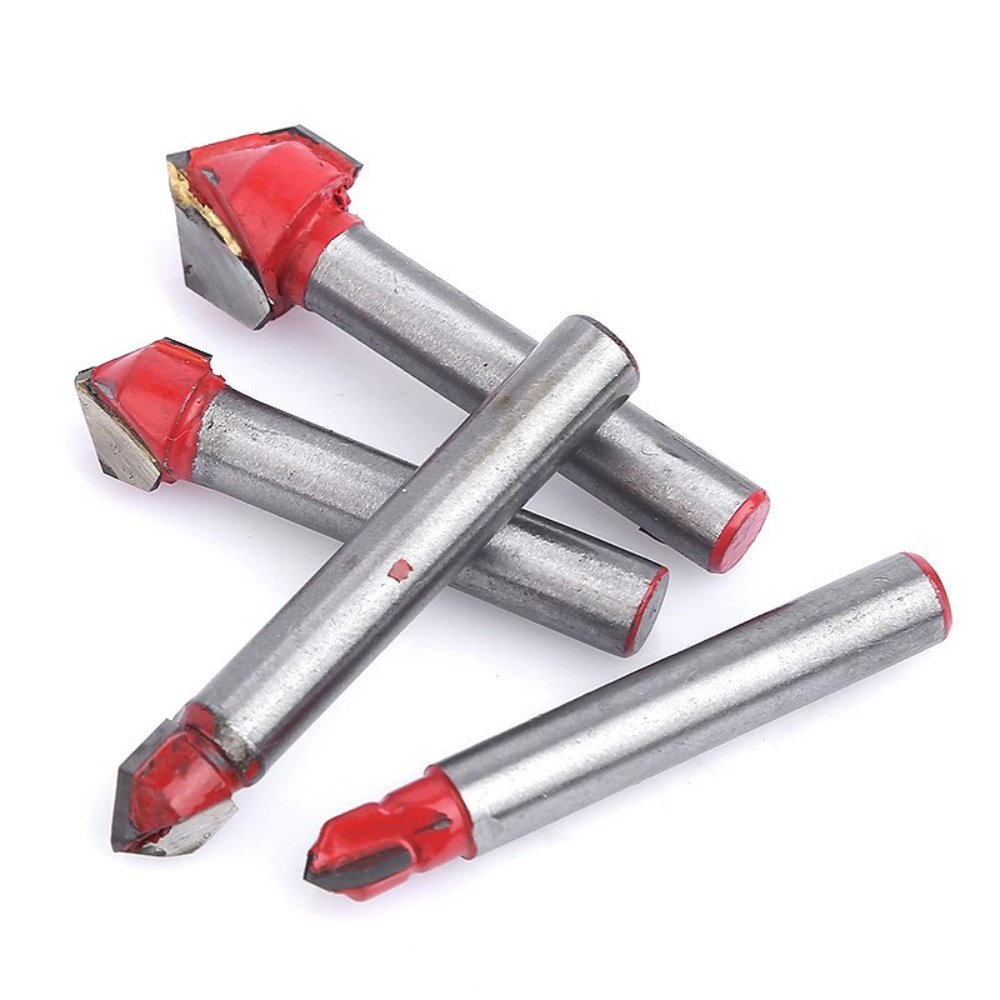
Compare offers using the same field layout: selected reference, supplier item code, shank specification, cutting-profile drawing and overall dimensions. Leave unanswered fields visibly open. An offer with an unexplained code is not yet directly comparable to another offer that identifies its dimensions, even when both descriptions include V-groove.
Ask the supplier to identify any deviation from the requested drawing and keep that response with the quotation. Do not replace an unanswered question with a typical value borrowed from another tool. Commercial terms become easier to compare after the actual offered variants are identifiable, without treating a lower quoted amount as proof of equivalent specification.
Carry the confirmed drawing into the order
Give the accepted drawing a revision and reference it alongside the supplier item code on the purchase order. If a model string is retained for convenience, keep it secondary to the confirmed identity record. This allows purchasing and receiving to locate the intended variant without decoding the shorthand again.
For a repeat order, ask whether the item and drawing revision remain unchanged. A revised dimension or profile needs a clear review trail even if the supplier keeps a familiar catalogue name. This article defines RFQ information; it does not establish tool material, cutting parameters or performance for an unconfirmed variant.
Frequently Asked Questions
Can the catalogue model code be used alone?
Keep it as a reference, but ask the supplier to explain its fields and identify the actual offered variant. A compressed code is less useful than a confirmed item record and drawing.
Should nearby catalogue dimensions be copied automatically?
No. Confirm what each field describes for the selected item. If a label appears unrelated to the profile requested, leave it open and ask the supplier for clarification.
Why separate shank and cutting-profile dimensions?
They describe different parts of the tool and answer different purchasing questions. A clear RFQ avoids using one dimension as a substitute for another or leaving its measurement reference unstated.
What should control a repeat order?
Use the confirmed supplier item code and approved drawing revision. Retain the original catalogue reference for traceability, and review any proposed specification change before reusing the order description.
Compare the Success Drill catalogue and woodworking milling tool article for broader product context. Send the dimension sheet and open questions through Success Drill contact. Other purchasing topics are in the tool blog.